A POS system is the till the restaurant takes payment in, and everything attached to it: the menu, the bills, the kitchen tickets, the receipts and the reports. Karma's POS is cloud-based and runs on iPad, computer or phone, with ordering, loyalty and analytics in the same system.
One system instead of five glued together
Most restaurants run the POS from one vendor, online ordering from another, loyalty from a third and marketing from a fourth. Several subscriptions, several invoices, and nothing talks to each other. With Karma POS everything is included in the same system and shares the same data: the till recognizes the regular, the menu is changed in one place and the numbers always add up. And everything a restaurant till should handle is of course included: split bills, open tabs, kitchen tickets, discounts and gift cards.
POS, QR ordering, takeaway and kitchen display in one system
Loyalty, gift cards and marketing included
Inventory, reports and analytics without extra subscriptions
One vendor, one invoice, one system to train staff on
Everything a restaurant till should handle is included
Most restaurants run the till from one vendor, online ordering from another and loyalty from a third. With Karma it is all in the same system from day one, with no modules to buy and no extra subscriptions.
At the till
Approved cash register
Meets the Swedish Tax Agency's requirements, with a control unit and Z and X reports.
Runs on what you already have
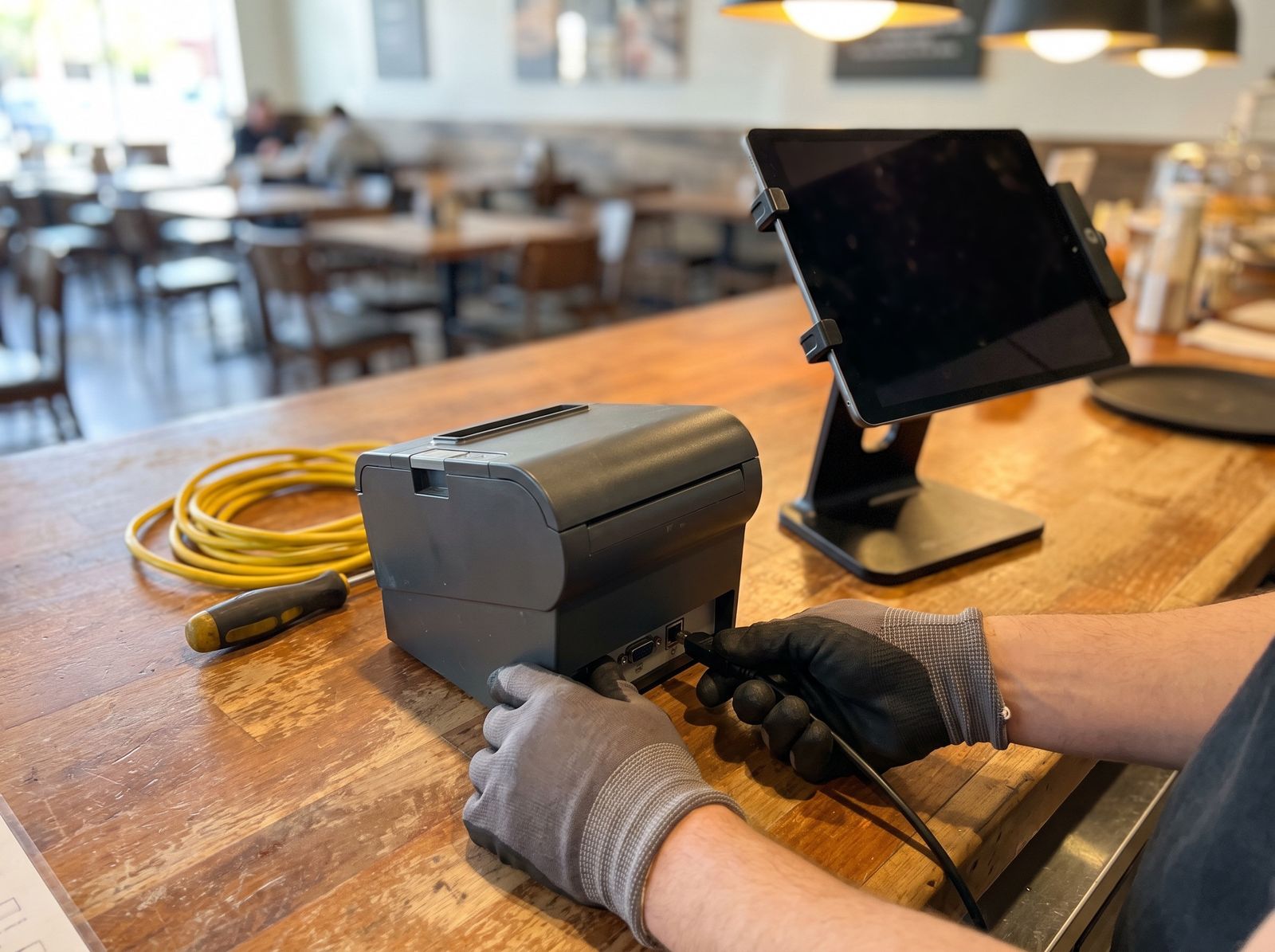
iPad, iPhone, Android, a computer or a payment terminal. No hardware you have to buy.
Split bills and open tabs
Split per person or per item, keep tabs open and see the table map in the till.
Digital receipts
The receipt goes to the guest by email or SMS, or prints if they would rather have paper.
Payments and guests
Cards, Swish and terminal
Integrated payment terminal, cards and Swish in one flow, without switching systems.
Tips
Percentage or free amount right on the terminal, and correct in the books.
Discounts and campaigns
Percentage, amount or bundle price in the till, and campaigns that reach the right guests.
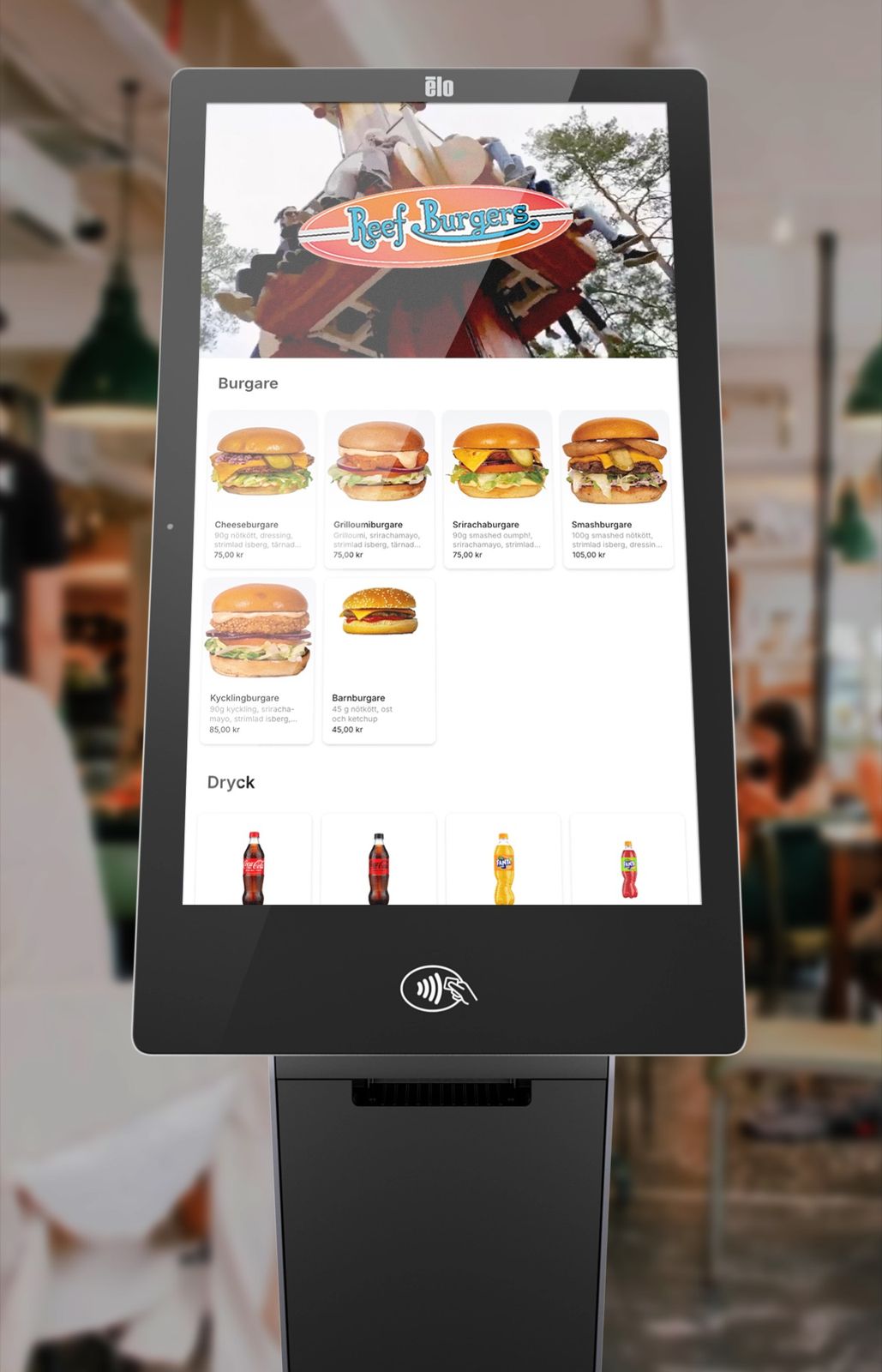
Self-service kiosk
Guests order and pay themselves. Same menu and same till as at the counter.
Operations and finance
Automatic bookkeeping
SIE files and journal entries straight into Fortnox. Invoices and records follow without double entry.
Inventory
See stock in real time, get warned before something runs out, and stop counting by hand.
Several venues
See each venue or the whole business in real time, and change the menu everywhere at once.
Table bookings
Bookings in the same system as the till, so the table is ready when the guest arrives.
A stand-in gets it right on the first shift
A POS that only the chef and the owner understand costs you time every time someone new starts. Karma is built so staff get going immediately, without long training or awkward onboarding. When we install, the technician walks your own most common actions through with the staff: splitting a bill, opening a tab, discounts, refunds and end of day. After that a stand-in finds their way on the first shift, because the quick keys sit where you put them rather than where a manual thinks they belong.
Staff get going immediately, without long training
We train you and your staff on site during the installation
Quick keys sit where you want them, not where the system wants them
Tickets route to the right kitchen station, on printers or screens
AI built into the POS
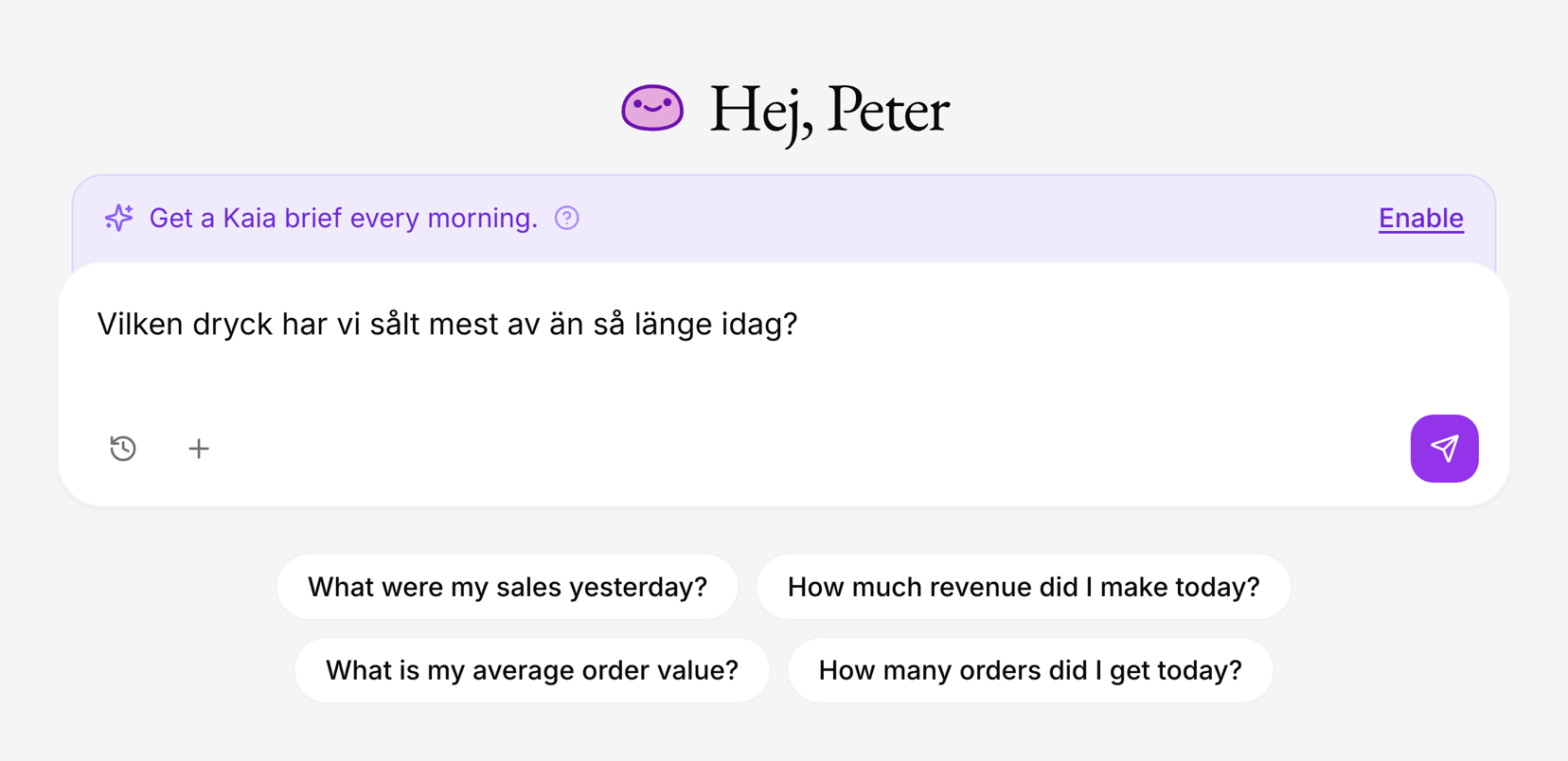
KAIA reads your sales data in real time. Ask a question in plain language and get an answer right away: what's selling, which campaigns work and what needs attention while service is running. Daily summaries surface what matters most, and inventory intelligence helps you cut waste and avoid running out. And when guests order, KAIA suggests the right add-ons automatically.
Connected to the tools you already use
Karma is a complete solution, but it also talks to the tools you already use. Invoices, SIE files and accounting records go straight into your accounting system, like Fortnox. Orders from Wolt, Foodora and Uber Eats land directly in the POS and the kitchen. Personalkollen and Swish are connected. And if you run Trivec today, Karma's QR ordering and loyalty plug in on top of the POS you already have.
Our recommended packages land around the prices on the pricing page. If you only want one part, for example the POS or QR ordering, you get a quote for your setup. Selling surplus via Karma Save is included at no extra cost for all customers.
Short queues and high volume make different demands than table service. Karma has quick keys for what sells the most, self-service kiosks for cutting the line, and a loyalty program that recognizes regulars automatically by the card they pay with.
Switching POS systems is less dramatic than it sounds. We guide you through the installation and set up menus and products together with you. Karma runs on our recommended hardware or what you already have, and works on tablets, computers, phones and payment terminals. Most of our customers are up and running within days, and everything is ready before your first service.
Restaurant owners and operators on switching to Karma.
“The results speak for themselves: Beyond reducing staff stress, we've seen a significant difference in drink sales during lunch. We've also sold twice as much chili mayo thanks to the upselling feature. It's a given for us to introduce Karma to our other concepts!”
Reduced staff stress
Jeremy Manansala
Restaurant Manager at Kasai in the Sky
Common questions about POS systems
How long is the contract?+
The POS agreement runs for at least 36 months. We go through the terms with you before you sign, so you know what applies to your setup.
What does Karma's POS system cost?+
Free costs nothing. Essential is 995 kr per month per venue, Connected 1 995 kr and Intelligence 2 995 kr, excluding VAT. On annual billing that is 829, 1 663 and 2 496 kr per month. If you only want a single part, you get a quote.
What's the difference from a regular cash register?+
A cash register rings up purchases. A modern cloud-based POS system like Karma connects the till with the kitchen, ordering, loyalty, staff and accounting, so you skip double work and see the whole business in real time.
Is Karma an approved cash register (kassaregister) in Sweden?+
Yes. Karma meets the Swedish Tax Agency's requirements for cash registers with a control unit, and produces Z and X reports plus SIE files for your accounting.
What happens if the POS acts up mid-service?+
Our support is open around the clock. As a POS customer you reach us by phone and speak to a person straight away, and you get the number when you go live.
How long does it take to switch POS systems?+
Most of our customers are up and running within days. We guide you through the installation, set up menus and products together with you, and make sure everything is ready before your first service.
Can the POS system suggest upsells?+
Yes. The AI engine KAIA is built into the POS and suggests add-ons in the ordering flow, and analytics show what the suggestions actually sell. No extra subscription needed.
Does Karma work with my accounting system?+
Yes. Karma produces SIE files and can send your bookkeeping straight to Fortnox, either as files or automatically as journal entries. Invoices and records come along without double work.
Does Karma work for multiple restaurants or locations?+
Yes, Karma is built for both single restaurants and groups. You see sales per location or for the whole business in real time, and menu changes can roll out everywhere at once.
500+
restaurants take payments through Karma every month
1 million+
purchases in the last twelve months
SEK 1 billion+
in sales through Karma since we started
Want to see Karma in your restaurant?
See how Karma's ecosystem can transform your operations and boost your profits. We'll get back to you and help you right away.